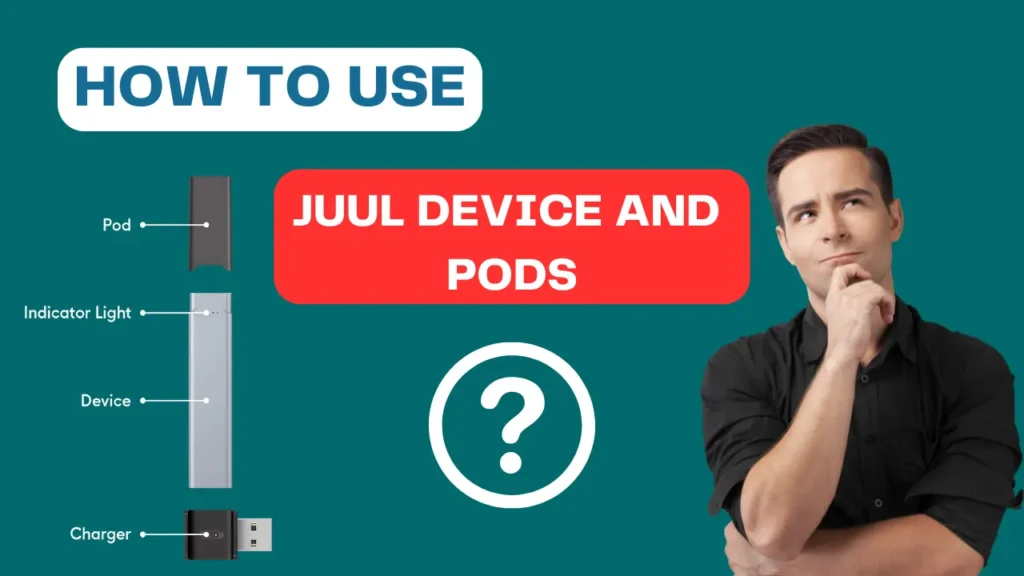
JUUL and JUUL 2 are two of the most popular vaping devices for adults who want something simple, mess-free, and effective. If you’re new to vaping or just picked up a JUUL device, this guide will help you get started in minutes.
Let’s walk you through everything—step by step.
🔌 Step 1: Charge Your JUUL Device
Before you take your first puff, make sure your device is fully charged.
For JUUL:
- Plug the USB charger into a power source.
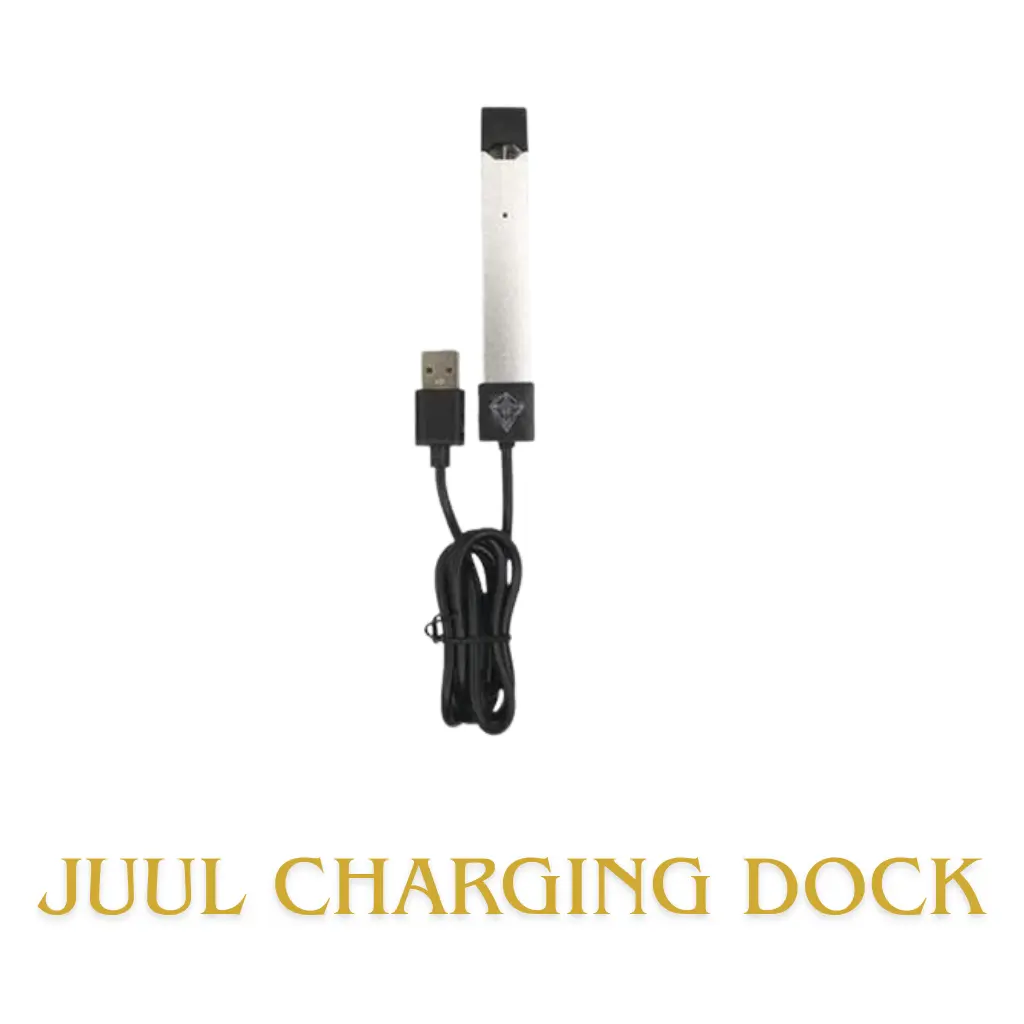
- Place the JUUL device on the charger.
- It should take about an hour for a full charge.
For JUUL 2:
- Use the magnetic charging dock that comes with the device.
- Place the Juul 2 device on the dock—it will click into place.
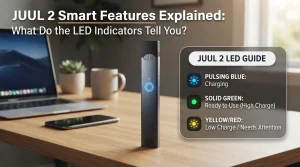
- The lights will show you it’s charging.
📍 Tip: Always use the official charger that came with your JUUL.
📦 How to put a JUUL or JUUL 2 Pod in
- Step 1: Take the pod out of the box.
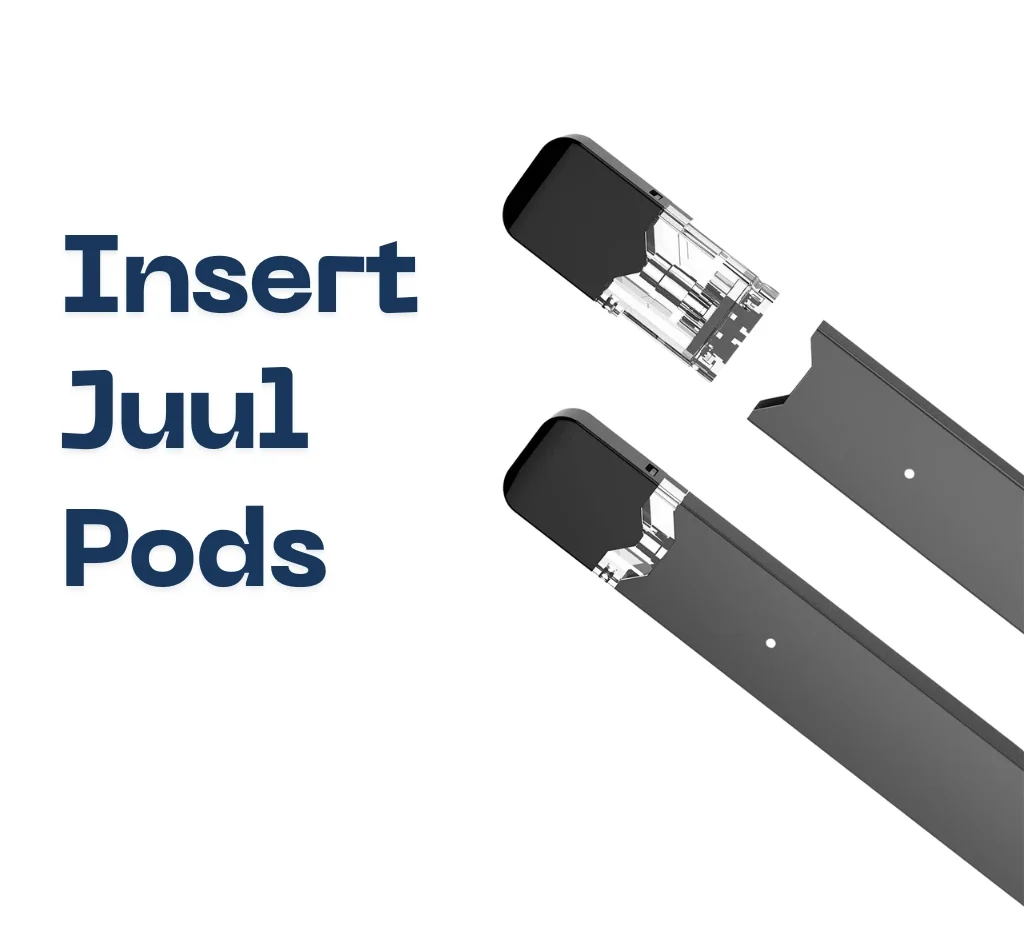
- Step 2: Remove the cap from the top.
- Step 3: Put the pod in the JUUL until you hear a click—that means it’s in.
For JUUL2:
- Put the pod in and wait for a quick flash—this checks that the pod is real and the e-liquid level.
- Tap the device to see the battery (each light = 25%).
That’s it. No buttons. No mess. Just plug and go.
🔋 Step 3: Check Your Battery Level
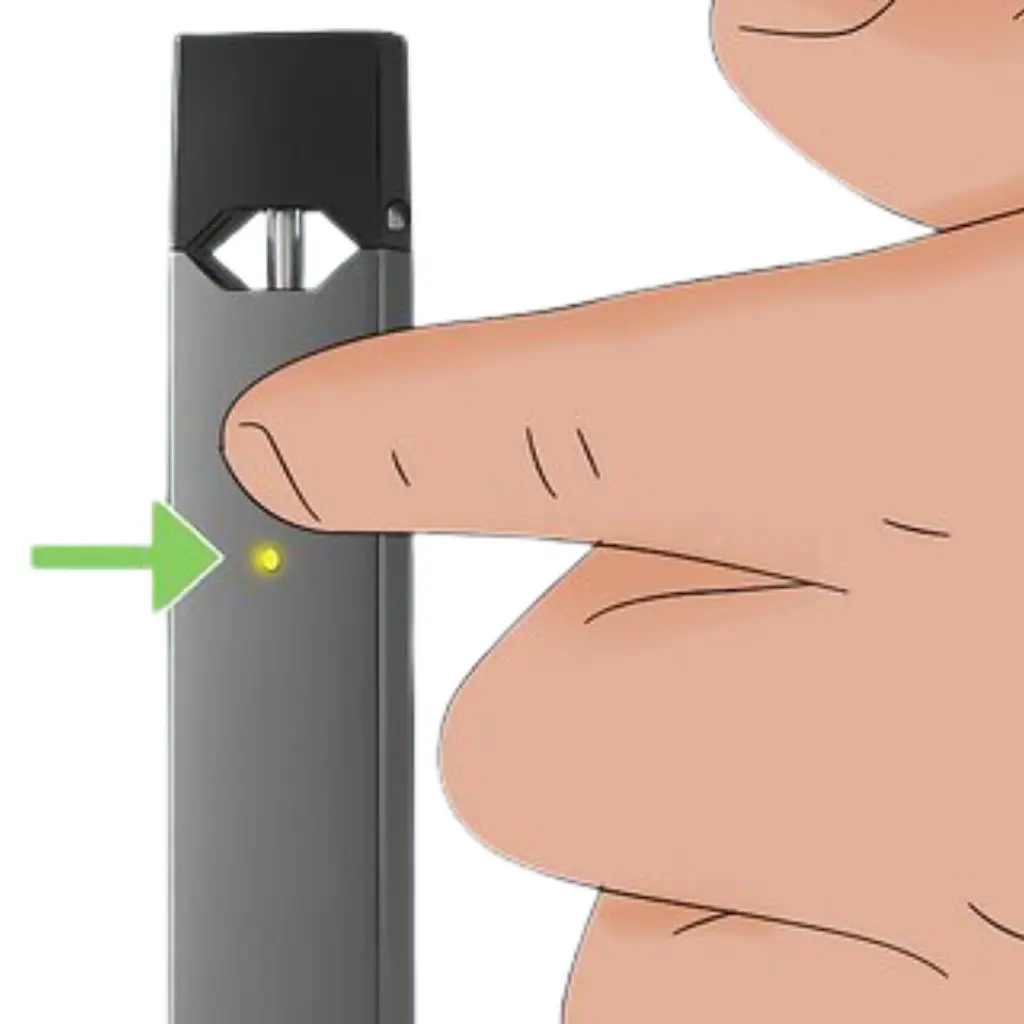
Knowing your battery level helps you avoid running out unexpectedly.
For JUUL:
- Tap the device twice.
- A light will flash: green (high), yellow (medium), or red (low).
For JUUL 2:
- Tap the side of the device.
- You’ll see up to 4 lights (each light = 25% charge).
This quick check keeps you ready throughout the day.
💨 Step 4: Take a Puff
Your JUUL is ready to use.
- Simply put the mouthpiece to your lips.
- Inhale gently—no button needed.
- The device activates automatically.
Start with small, slow puffs for a smooth vaping experience.
📱 Step 5: Use the JUUL App (JUUL 2 Only)
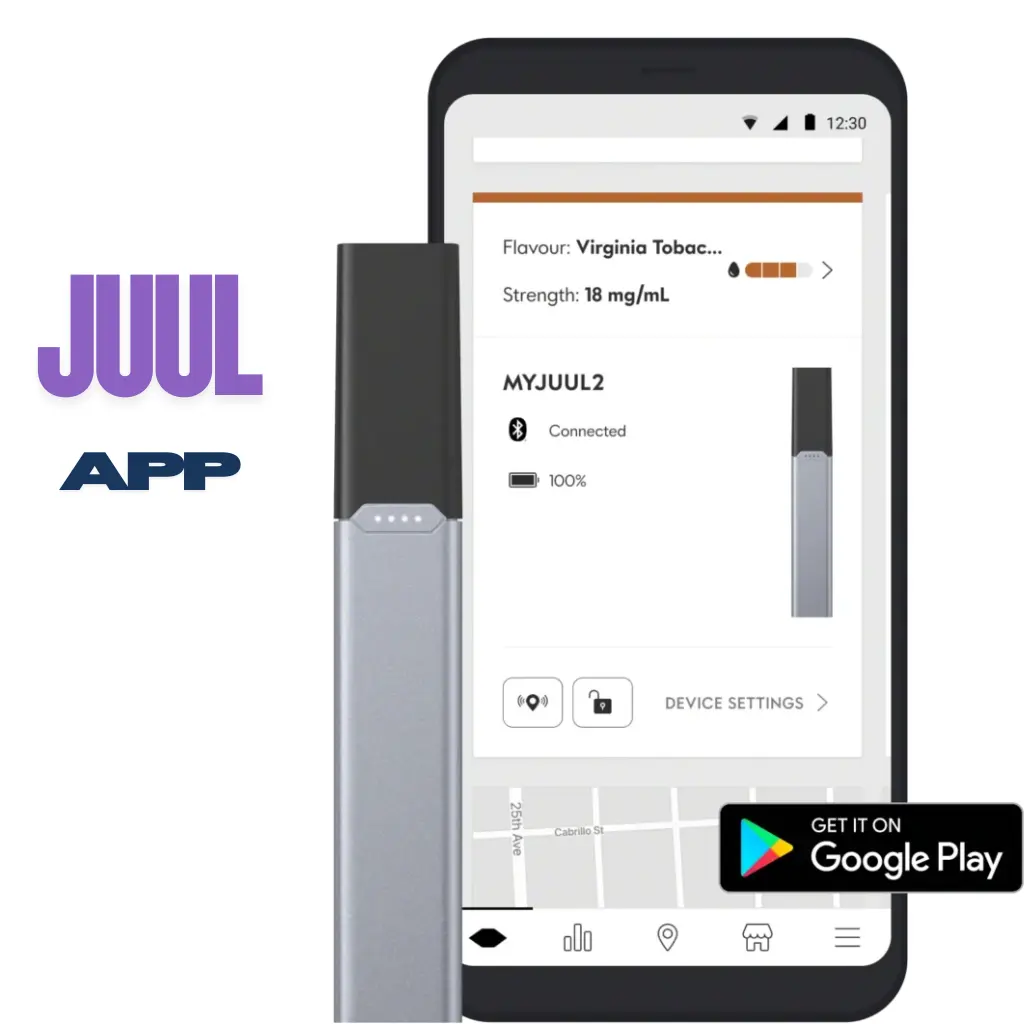
Here’s how to use it:
- Download the JUUL app (from Google Play or use the web version for iOS).
- Turn on Bluetooth on your phone.
- Pair the device—it should be within 10 feet.
- Once connected, you can:
- Check how much you’ve vaped.
- Manage settings
- Find your device if you misplace it.
It’s a great way to keep track of your usage and stay in control.
Summary: What You Need to Know
| Step | What to Do |
|---|---|
| 1 | Charge your device fully |
| 2 | Insert the JUULpod until it clicks |
| 3 | Tap to check battery level |
| 4 | Inhale to vape—no buttons needed |
| 5 | (JUUL 2 only) Pair with the JUUL app for extra features |
🚚 Where to Get JUUL in the UAE?
Looking for original JUUL devices and pods in Dubai or across the UAE?
✅ We offer fast, reliable delivery.
✅ 100% authentic products
✅ Real reviews from verified buyers
Visit our Vape Hype online store and get your JUUL delivered in no time.